


The Problem Both Solve
When a company’s local storage gets close to its limit, the most common answer is still buying a bigger NAS: it’s the solution every infrastructure team already knows, and it solves the problem by the same logic as always. AWS Storage Gateway solves the same problem differently: instead of swapping the equipment for a bigger one, it extends the available capacity to Amazon S3, without taking the current NAS out of operation that same day. The comparison below looks at the two from the point of view of whoever decides on that swap: how much fits, how much it costs, who maintains it and where the safety copy ends up.
Traditional NAS and AWS Storage Gateway, Side by Side
| Criterion | Traditional NAS | AWS Storage Gateway |
|---|---|---|
| Capacity | Fixed physical limit set at purchase; growing past it means buying another appliance | Virtually unlimited through Amazon S3 File Gateway; Volume Gateway has a limit of up to 1,024 TiB cached or 512 TiB stored per gateway |
| Cost model | CAPEX: you pay for the maximum capacity at purchase time, used or not | OPEX: you pay for the space actually used in Amazon S3, which grows or shrinks as needed |
| Maintenance | Physical hardware: firmware updates and replacement at end of life | The appliance runs as a virtual machine or Amazon EC2 instance; only the storage side leaves the local maintenance cycle |
| Off-site copy | Requires a separate backup and replication process, maintained by the team itself | The data already stored in S3 works as the off-site copy, with incremental Amazon EBS snapshots for volumes |
Where the Capacity Lives
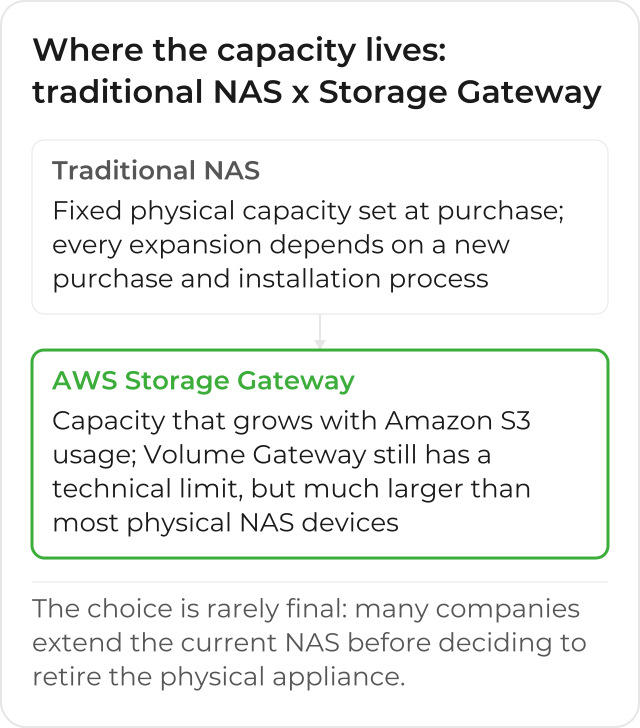
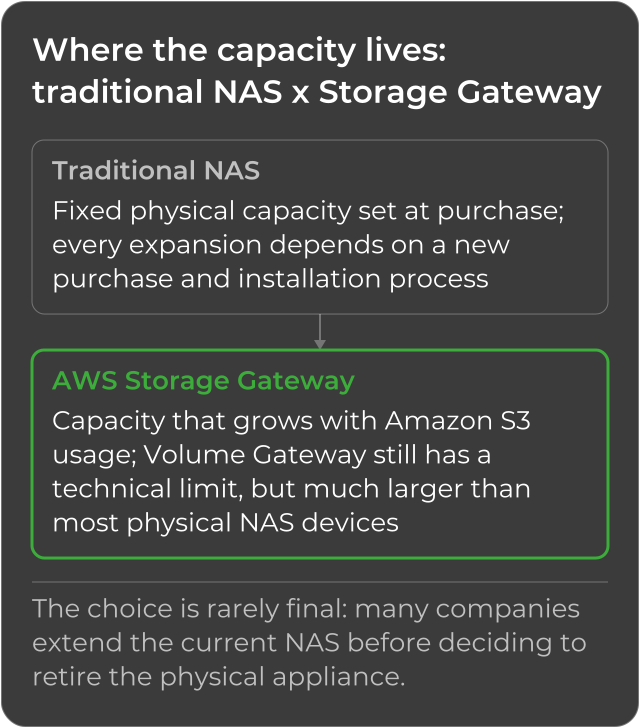
The capacity difference between the two isn’t just a matter of numbers: it’s a matter of where the decision to grow gets made. With a traditional NAS, every expansion depends on a purchase process, with lead time for delivery and installation. Through Amazon S3 File Gateway, capacity grows with S3 usage, with no new hardware purchase every time the limit gets close; Volume Gateway does have a technical limit (up to 32 TiB per cached volume, up to 16 TiB per stored volume, with up to 32 volumes per gateway), but it’s still much larger than what most physical NAS devices can handle in a single expansion.
Cost Predictability: Fixed Budget x Variable Spend
The CAPEX of a new NAS has an advantage OPEX doesn’t: the amount is known at purchase time, and fits entirely into the annual budget in one go. Amazon S3’s variable spend grows with usage, which gives flexibility (paying only for what actually grows), but also demands tracking: the finance and infrastructure teams start monitoring spend month by month, instead of settling the matter in a single annual budget line. Tools like AWS Cost Explorer and AWS Budgets help track that variable spend and alert before it surprises anyone at month-end close.
Monitoring: Physical Dashboard x Cloud Metrics
A traditional NAS is usually monitored through the appliance’s own dashboard, or through a separately installed agent, which warns when the disk is close to its limit. With AWS Storage Gateway, that same check moves to Amazon CloudWatch, with metrics and alarms that follow the same dashboard used to monitor the rest of the services on AWS, instead of a separate screen that only the local infrastructure team usually opens. That also changes who receives the alert: a CloudWatch alarm can notify the same channel that already warns about other services in the account, instead of depending on someone opening the NAS dashboard out of habit.
Why the Off-Site Copy Matters
A traditional NAS stores data in a single physical place: if the appliance fails, or if the location it’s in has an incident, the data only survives if there’s a separate backup, maintained by its own process, often on a tape or a second appliance in another building. With AWS Storage Gateway, that off-site copy is already part of normal operation: Volume Gateway generates incremental snapshots on Amazon EBS with every new backup, and Amazon S3 File Gateway stores files as objects in S3, which is already, by default, storage distributed across multiple physical AWS facilities. The company doesn’t need to design that copy process as a separate project: it comes built into how each gateway type already works.
When a Traditional NAS Still Makes Sense
For environments without reliable internet connectivity, or with a requirement for very low latency within the local network, a traditional NAS may still be necessary as the primary layer. In those specific cases, Storage Gateway works best as an extension of that environment, storing cold data in the cloud, rather than as a full replacement for the NAS. The internet connection also matters for the appliance itself: it needs enough bandwidth to send Amazon S3 the data still sitting on local disk (the Amazon S3 File Gateway’s cache, or Volume Gateway’s upload buffer in cached mode) without piling up a backlog, so an environment with an unstable link feels that limitation before any other.
What’s Left After Swapping the NAS for Storage Gateway
The choice between the two is rarely final the first time around: many companies start by extending the current NAS with Storage Gateway, without swapping anything right away, and only decide to retire the physical appliance once its life cycle naturally comes to an end. What changes from the first day of the extension on is the “check space, decide what to delete, buy more” cycle: it stops repeating, because growth now happens on the Amazon S3 side, and the off-site copy, which used to require its own process, already comes built into the path to AWS. The hardware budget that used to be set aside for the NAS’s next expansion now gets evaluated alongside the rest of the AWS spend, in the same cost dashboard the team already tracks for the other services, instead of sitting in its own separate purchase order line.
See how CloudDog implements AWS Storage Gateway for your hybrid storage.
