


Migrating Everything Isn’t Always the Best Option
A full storage migration takes planning, a cutover window and, in some cases, rewriting how applications access the data. When the real problem is just “local storage is running out of space,” migrating everything is a much bigger solution than the problem calls for, and the team ends up spending weeks on a rewrite the original question never required.
What Changes When You Extend Instead of Migrate
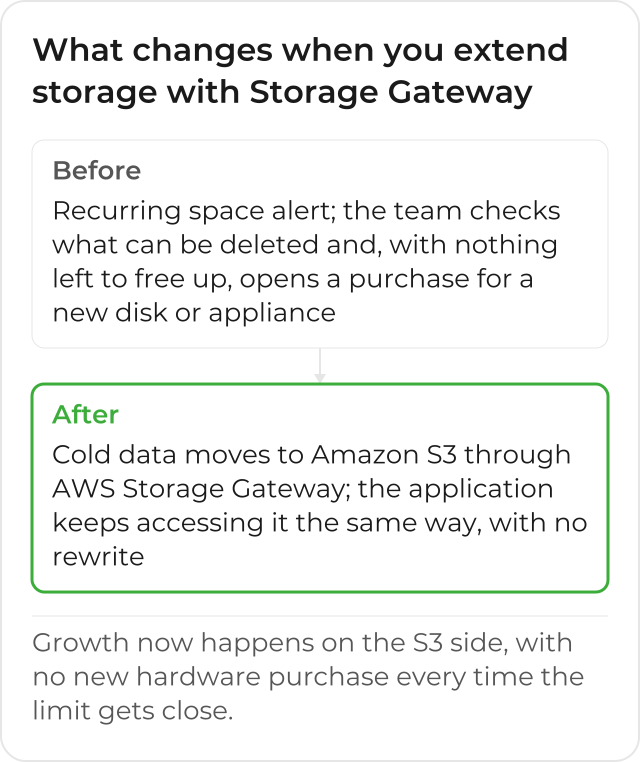
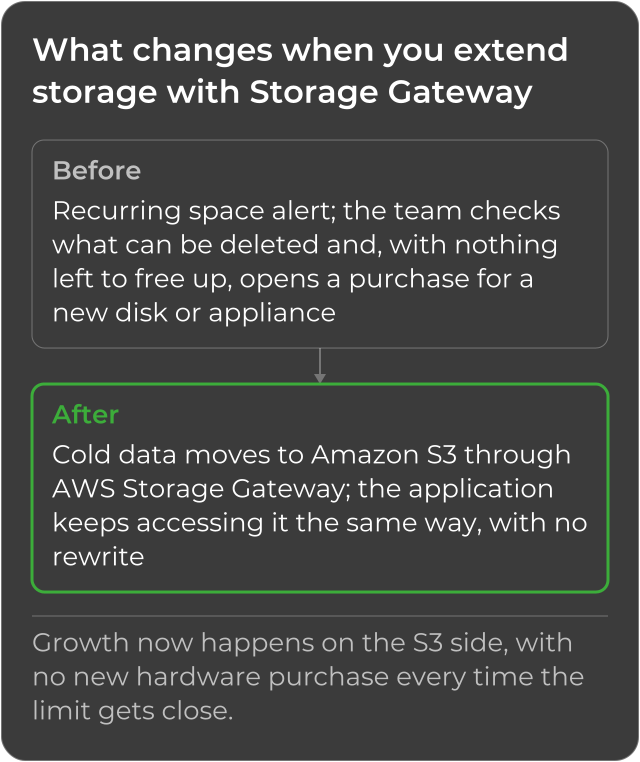
Before extending storage, the most common signal is a recurring space alert: someone on the infrastructure team gets the warning, checks what can be deleted, and, once there’s nothing left to safely delete, opens a purchase process for a disk or a new appliance. After extending via AWS Storage Gateway, that cycle of “check, decide what to delete, buy more” stops repeating: cold data moves from local storage to Amazon S3, without leaving the access flow the application already uses.
When Extending Instead of Migrating Makes Sense
The Application Is Old or Can’t Be Changed
Switching to entirely new cloud storage would mean rewriting the application that depends on it today. Extending via Storage Gateway keeps access exactly as is: the application keeps reading and writing files or volumes the way it always has, without knowing part of the data now lives on AWS.
Cold Data Volume Is Eating Up Local Capacity
Rarely-accessed data (old backups, historical files, records the company must keep by obligation but almost never opens) can move to Amazon S3 without leaving the current access flow. That frees up local capacity for the data that’s actually queried often.
The Company Wants to Test the Cloud Before Committing Fully
Extending local storage is a smaller, reversible step, before deciding on a full migration. The team gains real experience with AWS, on a concrete problem, before taking a bigger decision to the rest of the infrastructure. If the extension doesn’t fit well into the daily routine (for instance, if the latency to fetch the most-accessed data from cache doesn’t suit the application), the team still has the local environment intact to fall back on, without having committed an entire migration to a path that didn’t work in practice.
What to Prepare Before Extending
Extending isn’t just pointing the application at the cloud: the Storage Gateway appliance still needs local physical disk reserved for cache, even with the primary data already living in Amazon S3. On Amazon S3 File Gateway, the type that extends a file share, that disk works only as a cache: the official documentation calls for 150 GiB minimum, holding the data the application already wrote and that’s still waiting to upload to S3, with no separate upload buffer to size. On Volume Gateway’s cached mode, the official documentation recommends reserving at least 20% of the current file store size as cache, and keeping the cache larger than that type’s upload buffer. That upfront planning keeps the extension from becoming a new bottleneck, just because the local disk reserved for the appliance ended up too small for the real volume of data in transit.
A Common Scenario: Old Backups and Historical Files
A recurring scenario is a company that keeps years of old backups and historical files on a local NAS, data that’s almost never opened, but that nobody can delete because of a retention requirement. That’s exactly the kind of data Amazon S3 File Gateway handles well: it moves off local storage, which frees up space for day-to-day data, and stays accessible through the same share as always, for the rare moments when someone needs to open it.
When a Full Migration Makes More Sense
If the application is already being modernized, or if the cost of keeping any local infrastructure no longer justifies itself, migrating the storage entirely avoids running two environments at once: the local one, with the Storage Gateway appliance, and the cloud one, natively. In those cases, extending would just be an extra intermediate step on a path that already has a set destination. The difference between the 2 scenarios usually shows up in the team’s planning horizon: whoever has already decided to decommission the local environment by a set deadline gains little from extending before migrating, because the effort of configuring the appliance and monitoring the cache would be thrown away shortly after.
Which Storage Gateway Type Extends Each Scenario
The choice of how to extend depends on what the application already uses today: a file share points to Amazon S3 File Gateway; a block volume points to Volume Gateway, cached or stored; a tape-based backup process points to Tape Gateway. The post about what AWS Storage Gateway is and how it works details the 3 types and when each one fits. It’s common for a single company to end up using more than one type at once, since a file share and a tape-based backup process rarely disappear from the environment on the same day.
The Starting Point for Deciding
Looking at where the real pressure is (lack of space, local hardware cost, backup difficulty) helps decide between extending and migrating. In most cases, it isn’t an all-or-nothing decision: many companies extend first, solve the immediate pressure, and decide on the full migration more calmly, without the urgency of a space alert hitting every month. It also helps to ask the business side, not just the technical team, which data truly needs very low local latency and which data can live with the trip to Amazon S3: that answer changes which gateway type (file, volume or tape) best solves each part of the current storage.
What Your Team’s Day-to-Day Looks Like After Extending Storage
Once the right Storage Gateway is live, the recurring space alert stops showing up in the infrastructure team’s routine, because growth now happens on the Amazon S3 side. And, since no application needed to be rewritten to get there, the extension didn’t compete with the rest of the IT roadmap for development time, nor did it require a cutover window that stopped the operation. The team gets to decide when (and whether) it’s worth migrating the rest of the environment at its own pace, instead of deciding under the pressure of a disk that’s almost full.
See how AWS Storage Gateway, implemented by CloudDog, works.
