


Your Local Storage Is Full, but the Application Can’t Just Move
Every company that has run on-premises infrastructure long enough reaches this point: storage is close to its limit, but the application depending on it wasn’t written to access an object in the cloud, it was written to read a file share or a block volume, the way it always has. Switching the application to talk directly to an AWS storage service would be a full rewrite, just to solve a space problem.
AWS Storage Gateway exists exactly for this case: it extends local storage to AWS without requiring anything in the application to change. Local systems keep accessing data the same way they always have, while part or all of the storage moves to the cloud, underneath what the application sees.
What AWS Storage Gateway Is
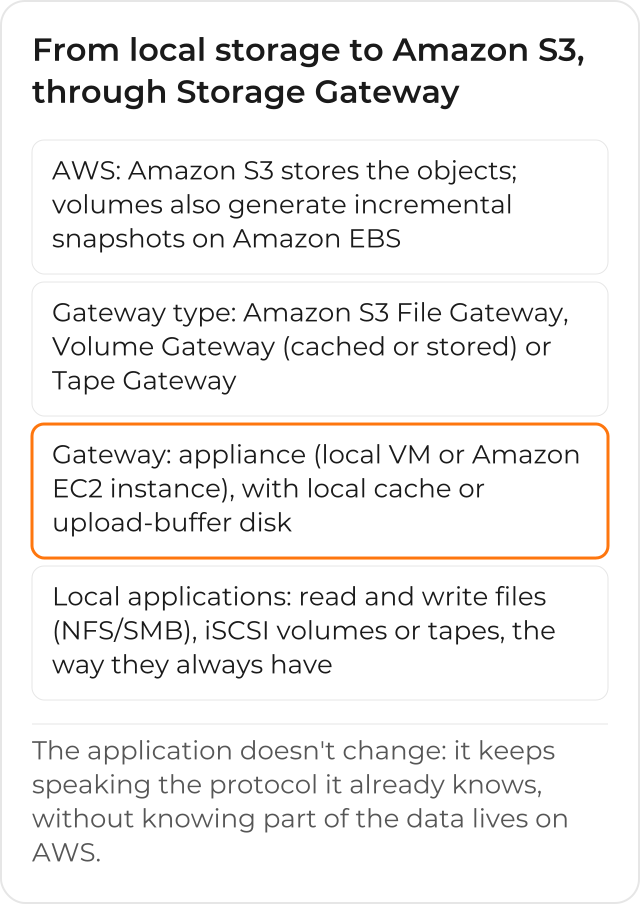
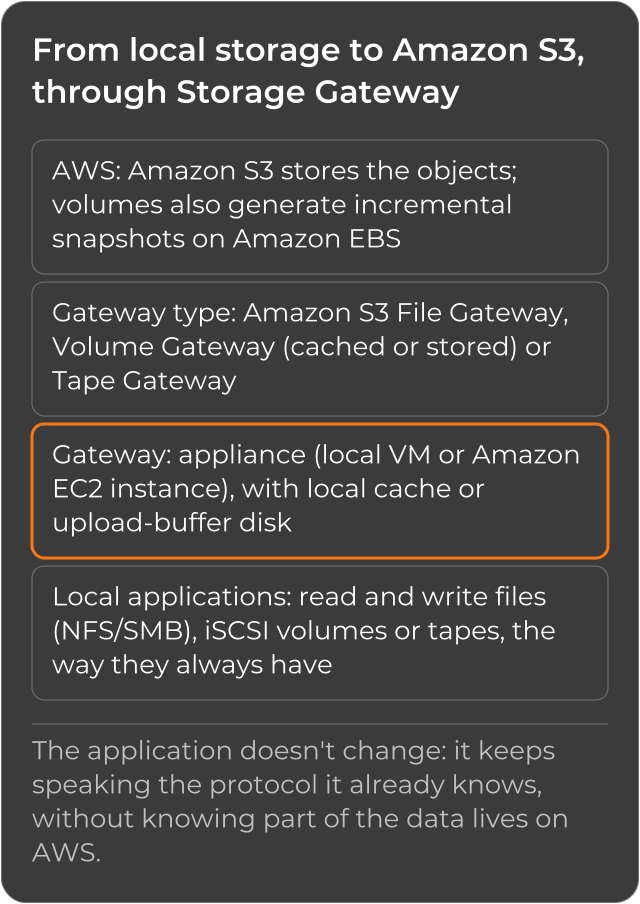
The core idea is the same across the service’s 3 variants: an appliance runs close to the application, speaking the protocol it already knows (a file share, an iSCSI volume, a backup tape library), and underneath that appliance the data is sent to AWS, stored as objects in Amazon S3 or as incremental Amazon EBS snapshots.
Amazon S3 File Gateway
Amazon S3 File Gateway exposes a file share, NFS or SMB, that the company’s applications already know, but stores the files as objects in Amazon S3 underneath. It’s the choice for whoever already uses a file server or a NAS and wants to extend the available capacity without changing how applications read and write files. (There’s also the Amazon FSx File Gateway, aimed at Windows shares, but it’s no longer available to new customers; existing users continue as normal.)
Volume Gateway
Volume Gateway presents block storage volumes to local servers, connected as iSCSI devices, in 2 modes. In cached mode, the primary data stays in Amazon S3 and only the most-accessed data is kept locally, for fast access without having to keep everything on-premises; each volume can hold up to 32 TiB, with up to 32 volumes per gateway. In stored mode, the full data stays on-premises and an incremental backup is sent to S3, stored as an Amazon EBS snapshot; this mode suits whoever needs the full data available locally, with a safety copy in the cloud.
Cached or Stored: Which Mode to Choose
The choice between the 2 modes depends on where the data needs to be when the local application reads it back. In cached mode, reading recent data is fast because it’s still in the local cache, but the full data only truly exists in Amazon S3. In stored mode, the full data is always available on-premises, and S3’s role is to hold the safety copy, not the primary data.
Tape Gateway
Tape Gateway simulates a physical tape library for the backup software the company already uses, but writes the data to AWS instead of to a real tape. It’s for whoever wants to stop buying and managing physical tapes without having to change the backup process already in production: the backup software keeps seeing “tapes,” they just live in the cloud.
How to Choose Among the 3 Types
The choice depends on what the company already has today, not on which type looks more modern. If the scenario is a file share, the path is the file gateway; if it’s block storage over iSCSI, it’s the volume gateway; if it’s a tape-based backup process, it’s the tape gateway. All 3 share the same underlying idea: extending local storage to S3 without rewriting how applications access the data.
A company that today keeps a local file server for documents and a separate tape-based backup process, for example, might end up using 2 types at the same time: the file gateway for the share, and the tape gateway for the backup, each solving the part of the scenario that already existed before, without depending on each other.
Where the Gateway Runs
The Storage Gateway appliance can run as an on-premises virtual machine, on hypervisors like VMware, KVM, Microsoft Hyper-V or Nutanix AHV, or as an Amazon EC2 instance, when the scenario calls for the gateway already inside AWS, for disaster recovery or data mirroring scenarios, for example. (There was also a physical hardware appliance, but AWS stopped offering it on May 12, 2025; existing customers keep getting support until May 2028.) Choosing where the appliance runs answers a different question from choosing between file, volume or tape, with one exception: the stored volume gateway doesn’t run on an Amazon EC2 instance; the Amazon S3 File Gateway, the cached volume gateway and the tape gateway do run on EC2. Each appliance still needs local physical disk reserved, in a role that changes by type: cache on the Amazon S3 File Gateway; cache and upload buffer on the tape gateway and the cached volume gateway; upload buffer, plus the volumes’ own disks, on the stored volume gateway. Running the appliance on an EC2 instance usually makes sense when the goal is having a secondary copy already inside AWS, ready for disaster recovery, rather than extending an on-premises environment that still needs its own local hardware.
How the Data Travels Securely to AWS
In the Volume Gateway’s cached mode, the appliance stores what the application writes in a local staging area, the so-called upload buffer, before sending that data to AWS over an encrypted SSL connection. In the Amazon S3 File Gateway, the local disk works only as a cache (150 GiB minimum), holding the data the application already wrote and that’s still waiting to upload to S3, with no separate upload buffer. In both cases, the data arrives and is stored encrypted in Amazon S3, and the local team doesn’t need to configure that encryption separately: it’s already part of the path between the appliance and AWS, across all gateway types.
Monitoring the Gateway’s Health
Once the gateway is activated and configured, the infrastructure team tracks its health through Amazon CloudWatch Logs and CloudWatch alarms, the same way it would monitor any other AWS service: without having to log into the local appliance for every routine check to see if it’s running or if the cache is close to its limit. The team can also tag the gateway to identify it among the other resources in the account, the same way it would tag any other AWS resource.
What Your Team’s Day-to-Day Looks Like After Extending Storage
Once the right Storage Gateway is live, the team that maintained local storage stops monitoring available space as a weekly task: growth now happens on the AWS side, with no new hardware purchase every time the limit gets close. And because no application needed to be rewritten to get there, the extension to the cloud didn’t compete with the rest of the IT team’s roadmap for development time.
See how CloudDog implements AWS Storage Gateway for hybrid, unlimited storage.
